01
Source
Purchasing and suppliers, done properly.
Shopping lists and purchase ordersSupplier cataloguesMobile ordering and approvalsDeliveries, notes and creditsInvoices, E-Bills and export
Right for you if paperwork and approvals are the pain.

Purchasing, deliveries, stock counts, recipes and GP, held together so the number at the end of the period can be explained, line by line.
The GP gap
Every operator knows the two numbers. Almost nobody can name what sits between them. Hops holds both sides: what the recipes say you should have made, and what the till and the stock count say you did. The gap resolves into causes you can act on.
71.4%
Theoretical GP
What the recipes say
−£1,179
Waste recorded
1.4% of revenue
−£926
Over-portioning
1.1% of revenue
−£1,347
Price rises absorbed
1.6% of revenue
−£505
Transfers unrecorded
0.6% of revenue
−£421
Shrinkage
0.5% of revenue
66.2%
Actual GP
What the count says
£4,378
Gone in one period
On beverage alone: 5.2% of £84,200 of revenue, at one site, in one period. Every pound of it named, costed and traceable to the day it happened.
Counting
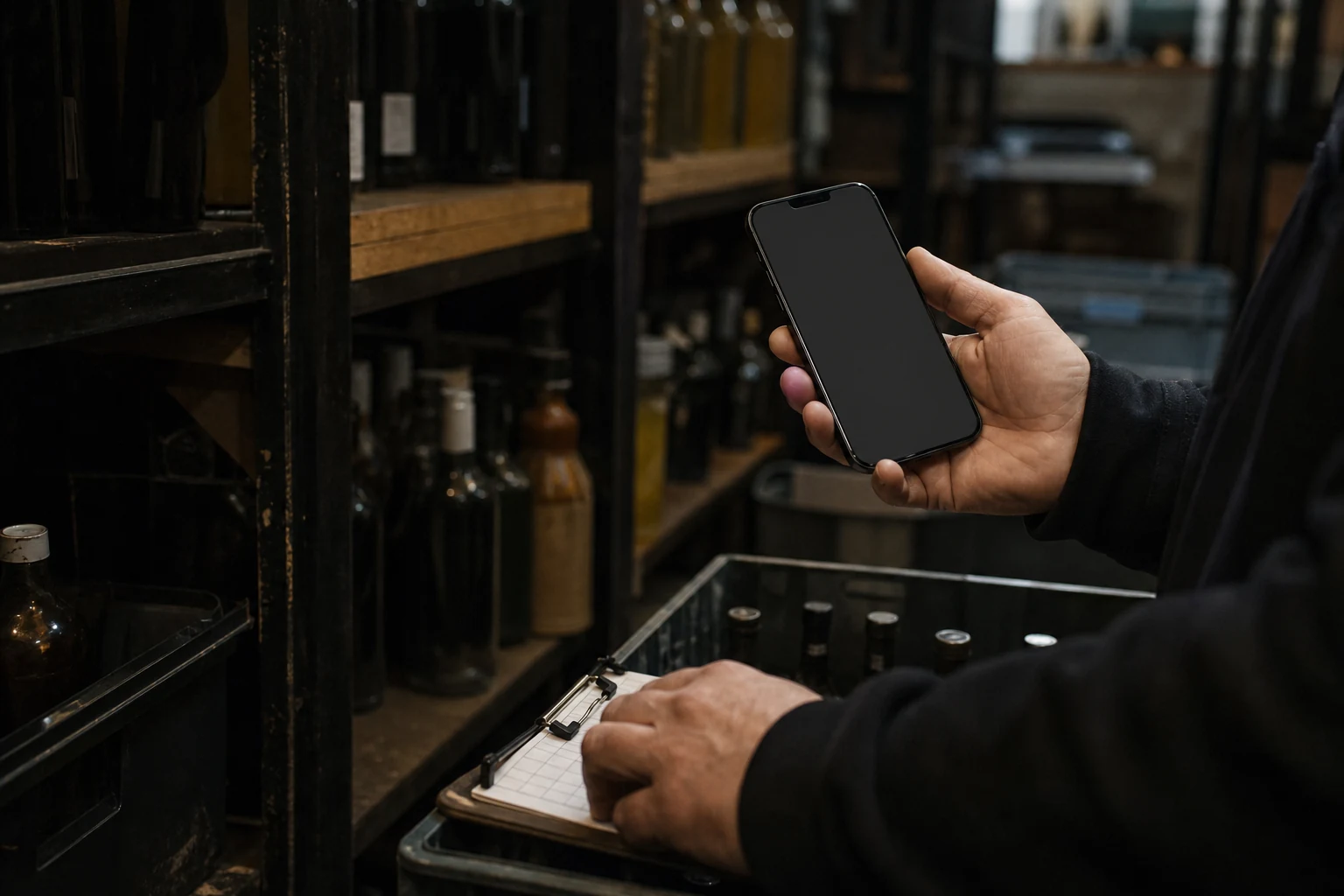
Counts happen where the stock is: the basement, the store cupboard, the walk-in. Basements have no signal, so Hops does not need one. Count offline on iPhone or Android and everything syncs the moment you are back in range. Managers review and approve on desktop. Nothing is transcribed twice and nothing is lost between the shelf and the spreadsheet.
Structure
A rooftop runs food and beverage from one kitchen and needs them apart. A hotel needs the restaurant, the bar and room service each with their own P&L, and all of it rolled into one property view. Most stock systems cannot split inside a site at all.
Hops is built on that hierarchy rather than bolting it on, so a GM sees their site, a regional sees their cluster, and the group sees the whole picture. The same figures, at every level.
Allergens and nutrition, once
Set them on the product and Hops carries both through every recipe and menu item built on it. A supplier change flags the dishes it affects, and the recipe card is already on the app.
Recipes that re-cost themselves
A supplier price moves and every recipe built on it re-costs the same day. You see which dishes fell below target margin the week it happens, not at year end.
Ordering from the floor
Raise, approve and receive supplier orders on the app. Approvals route to whoever should see them, and the cost lands on the Flash P&L when the delivery is checked in.
AI health checks
A stock take that goes in wrong is worse than one you never did, because now the number looks official. Hops runs a health check over a count and an order before either is committed, and puts anything odd in front of the person doing it, while they are still standing there.
You have counted 3 of a line that is set up by the case.
Vodka 70cl is a case of 6. A count of 3 will post as 18 bottles, worth £214.20. Did you mean 3 bottles?
Beef mince is 14% down. Start with the transfers.
Three things explain most of it: an untransferred move to the bar, a delivery checked in at the wrong pack size, and Saturday’s waste never recorded. In that order.
You are ordering 40kg of something you counted 38kg of yesterday.
Par is 12kg. Last week you used 9kg. At this level it will be short-dated before it is used.
Getting it running
The reason a stock system fails is almost never the software. It is that somebody bought a licence, was sent an import template, and was left to build a product library, a recipe set and a counting routine on top of a day job. Six months later the counts have stopped and the GP figure is fiction.
Empty shell syndrome. We have spent years cleaning it up after other systems.
Guided onboarding
We build your department structure and sync it to your POS. Your product library and supplier catalogues we build alongside you, then train your team to keep them right.
In-person training
On site, with your team, in your venue. Chefs and bar managers learn the routine on their own stock, on their own shift.
UK-based support
Answered here, by people who have run venues, not a ticket queue in another timezone that replies the day after service.
Hops Academy
A full hospitality operations curriculum, free to everyone, customer or not. A team that understands GP is a team that protects it.
“We have managed to add about 3% to our blended GP as a business since the introduction of Hops and all the training. Which is better than even I could have ever hoped.”
Susan FrenchHead of Operations and Service, Crust Bros
“You can really tell Hops has been built by operators. They understand our needs and provide a solution that is exactly what we want, instead of us having to adapt and change for a system.”
Dominique FernandesHead of Operations, Mildreds
Where to start