Watch: smarter spend control with Hops and Lightyear
Nathan Moorhouse and Kenny Galloway demonstrate how Hops and Lightyear connect purchasing, deliveries and supplier invoices.
An order is approved. The delivery arrives. The supplier sends an invoice. Each step might look straightforward on its own, but the gaps between them can leave finance and operations chasing different numbers.
In this recorded Lunch & Learn, Nathan Moorhouse, Sales and Integration Lead at Hops, and Kenny Galloway, Head of Strategic Partnerships at Lightyear, explain how the two systems connect that workflow. The session includes a live demonstration and a discussion of how 180 The Strand uses Hops alongside Lightyear.
What you'll take away
- Why disconnected purchasing and finance systems make spend harder to see across sites.
- How purchase orders and goods received in Hops connect to invoice matching in Lightyear.
- Where the teams investigate differences, including changes in price or what was delivered.
- What the integration looks like in practice, from a recorded delivery to data arriving in Lightyear.
Spend control needs to reach every site
The session opens with a familiar hospitality problem: teams moving information between spreadsheets, operational tools and accounting systems. Each manual handover adds work, and it becomes harder to know whether everyone is looking at the same position.
For a group with several kitchens, suppliers and approval processes, visibility needs to extend beyond head office. The people ordering and receiving goods need to be part of the same flow as the people checking and paying invoices.
“Spend needs to be visible, controlled across every location, not just head office.”
Kenny's point is practical: high transaction volumes and tight margins make it difficult to keep up through manual checks alone. Connecting the systems gives the teams a shared process for the information they already handle every day.
From purchase order to invoice approval
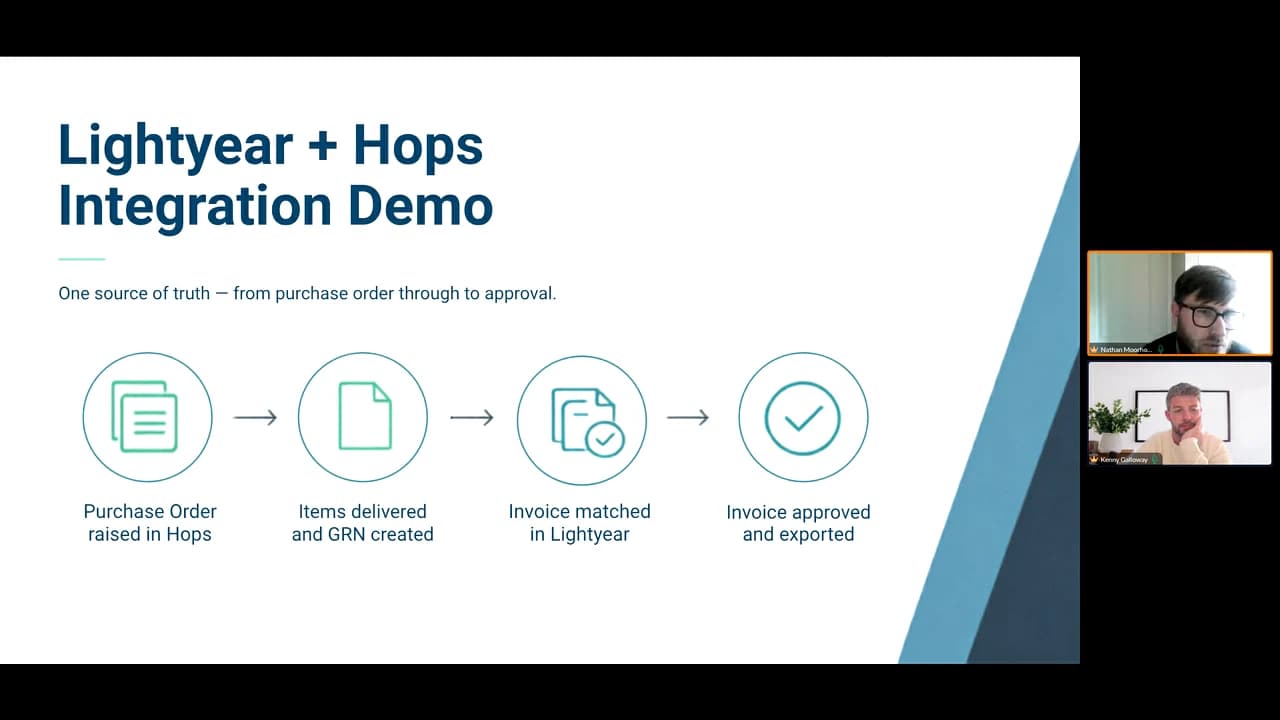
Nathan walks through the operational side of the integration. A team creates a purchase order in Hops, follows its approval process and sends the order to the supplier. When the delivery arrives, the team records what it actually received, including any substitutions.
That creates the goods received note, or GRN. The integration passes that information to Lightyear, where it can be checked against the supplier's invoice.
 Watch the webinar
In the workflow described in the session, matching invoices can proceed through approval and export to the accounting system. Differences are routed back for investigation: perhaps the supplier's price has changed, or the invoice does not reflect the delivery.
The value is in catching those differences as part of the process, while the detail is still available, rather than leaving finance to reconstruct the story at month end.
“Finding that out five days before month end figures are due is a terrible experience for everyone involved.”
See the integration working
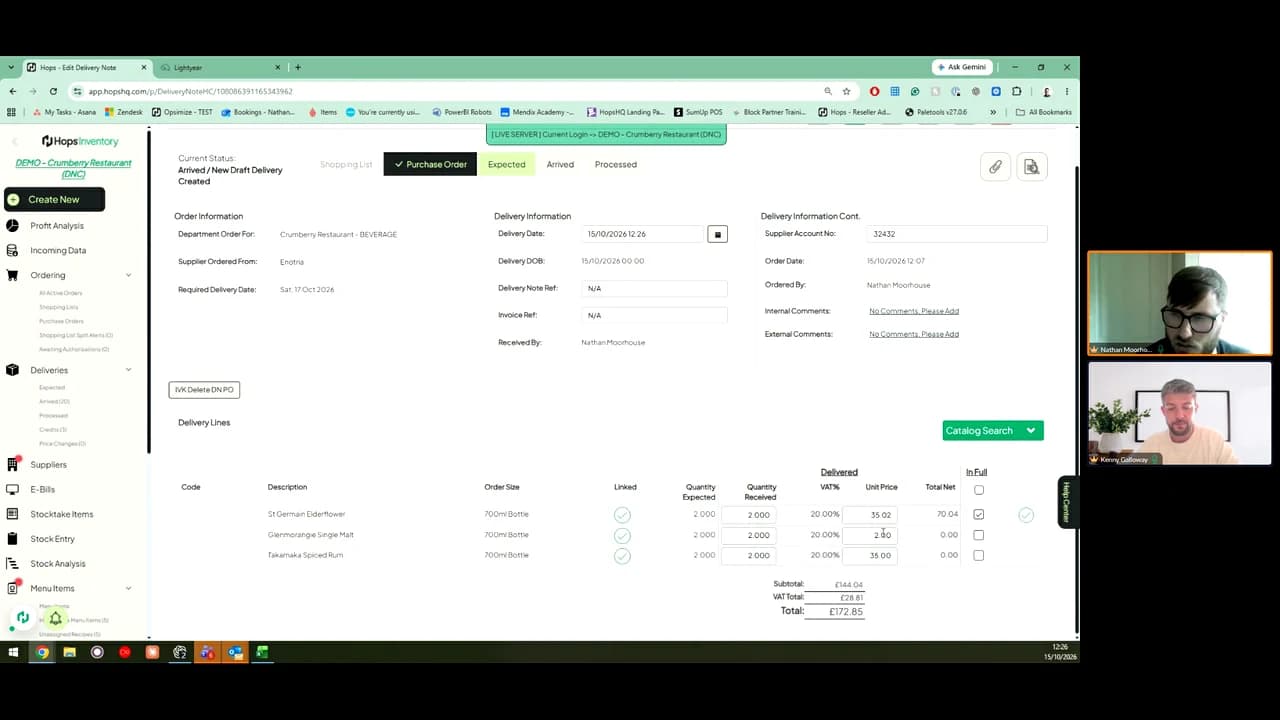
At around 22:46, Nathan switches from the slides to a live demonstration. He records a delivery in the Hops demo restaurant, showing the quantities received, prices and delivery references, then shows the resulting information in Lightyear.
 Watch the webinar
Kenny then explains the matching statuses and the next steps in Lightyear, including approval and export. It is a useful section to watch if you want to understand where your operations team's existing delivery process meets the finance team's invoice checks.
The session introduces the workflow; a joint demonstration is the next step for exploring your own suppliers, approval requirements and accounting setup.
The 180 The Strand example
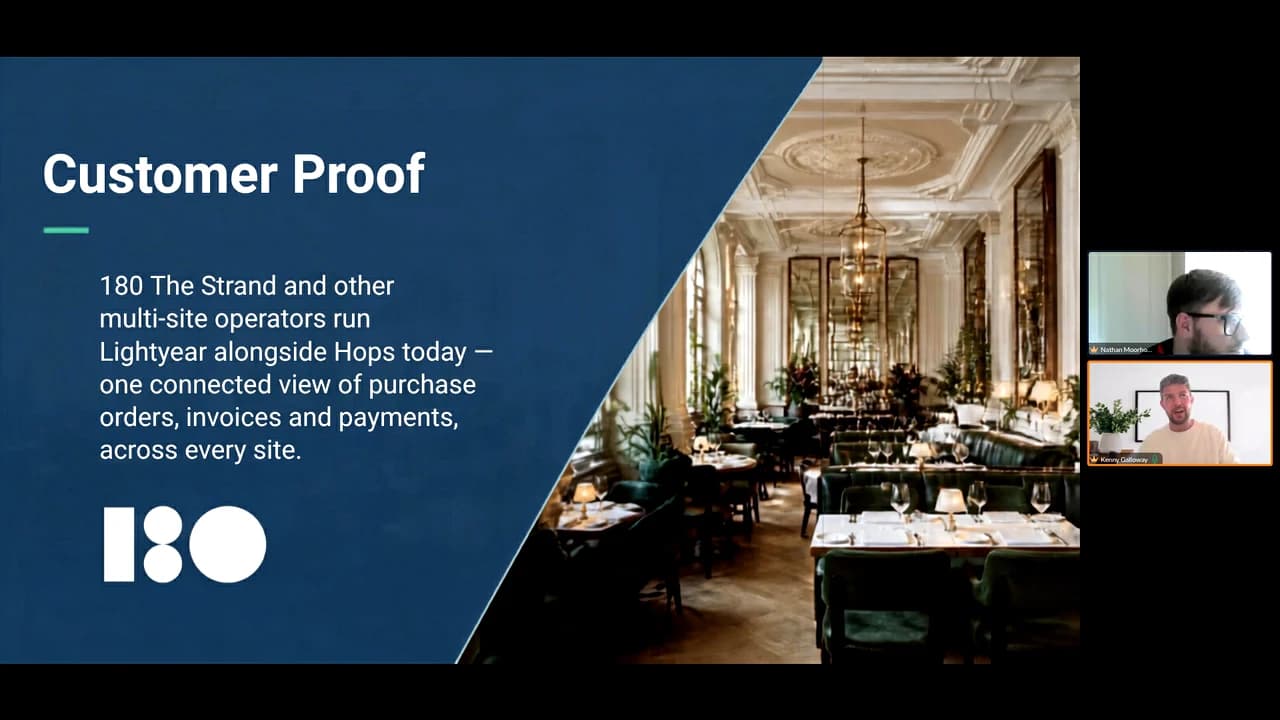
At around 27:20, the discussion turns to 180 Studios, with 180 The Strand named on the customer slide. Kenny describes an operation spanning different hospitality businesses and explains how the integration developed from an earlier process into a direct connection between Hops and Lightyear.
 Watch the webinar
Kenny shares the presenters' account of the implementation. The example illustrates why a connected purchasing and finance workflow matters when a group has several types of operation and plans to add more sites.
Find the section you need
These timings refer to the recording once playback starts:
- 02:03 — Disconnected systems and the hospitality spend challenge.
- 15:31 — Nathan explains the connected workflow.
- 22:46 — The live Hops and Lightyear demonstration.
- 27:20 — The 180 Studios and 180 The Strand example.
- 29:25 — Joint onboarding and support.
Watch the full webinar on Lightyear's website.
Explore the workflow for your business
See how Hops Inventory supports your purchasing and stock workflows, explore our integrations, or book a demo to discuss Hops and Lightyear together.
Tags